Lesson 1
Getting Started
Log in, explore the dashboard, set up your profile, and invite your team.
Work through each step in order, then mark the lesson complete when you are ready to continue.
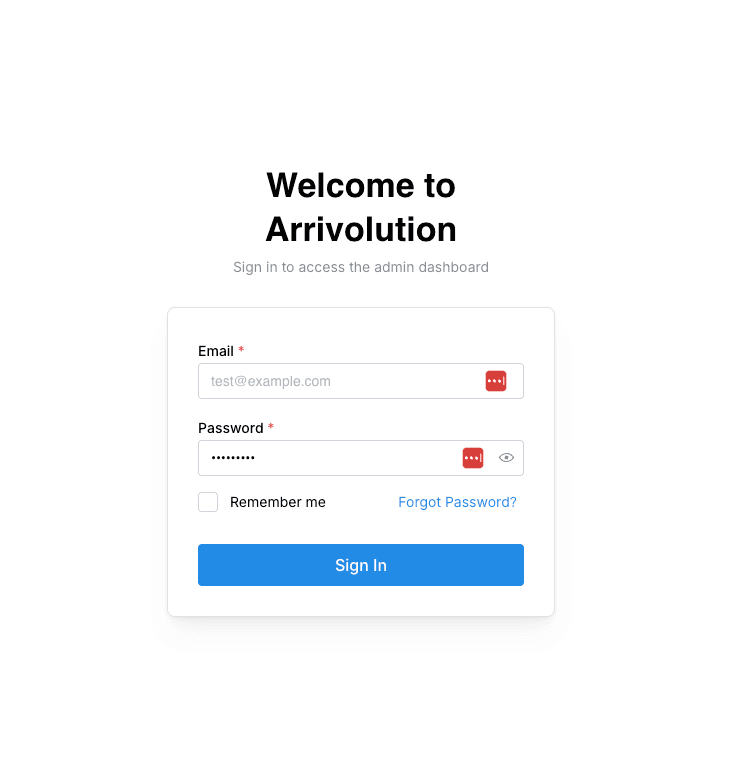
Log in to your account
Navigate to platform.arrivolution.com and enter your credentials. If this is your first time, check your email for a welcome invitation with a temporary password.
Bookmark the login page for quick access.
Explore the dashboard
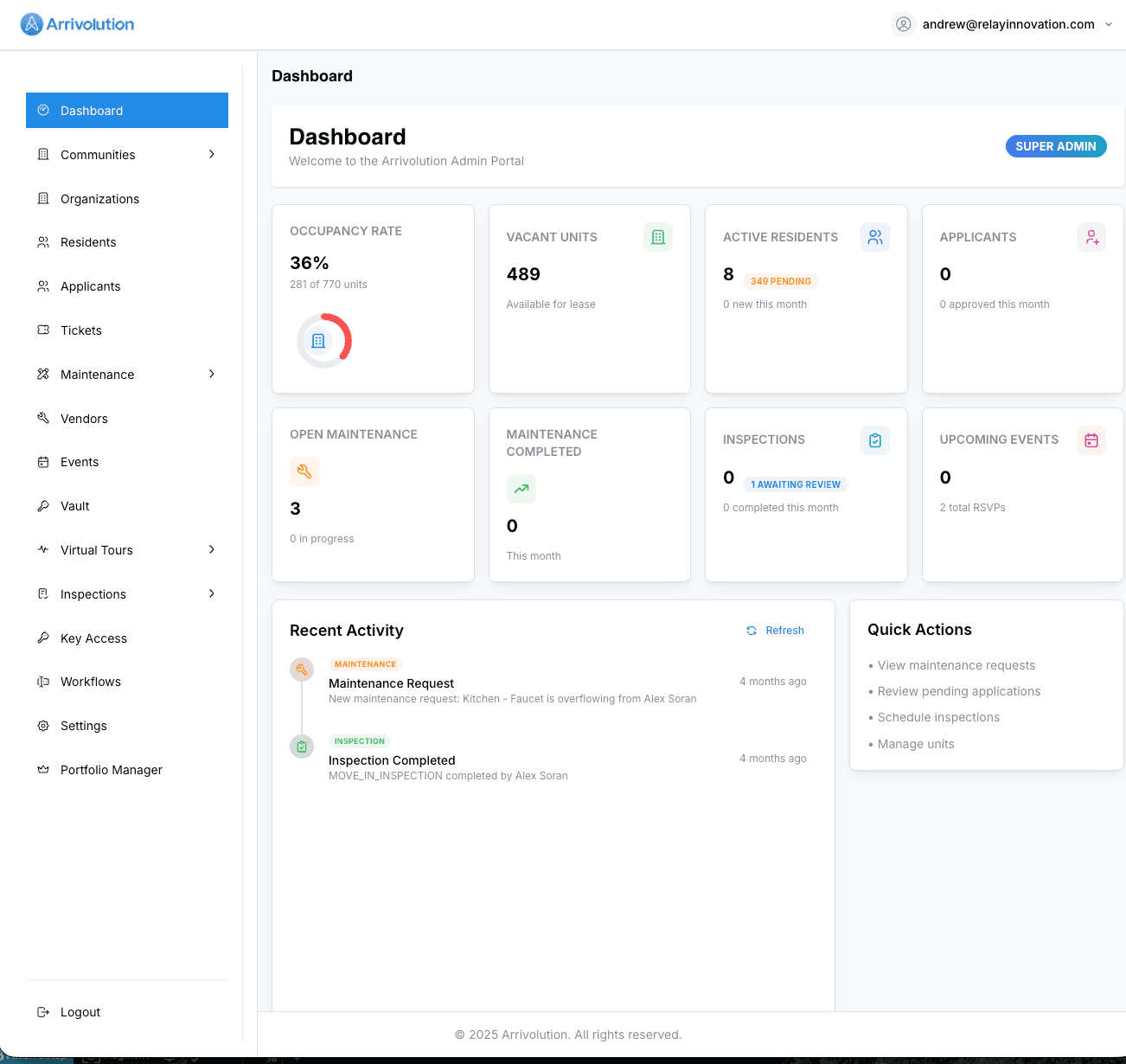
Your dashboard is the command center. You'll see property summaries, recent activity, pending tasks, and quick-action buttons across the top.
Update your profile
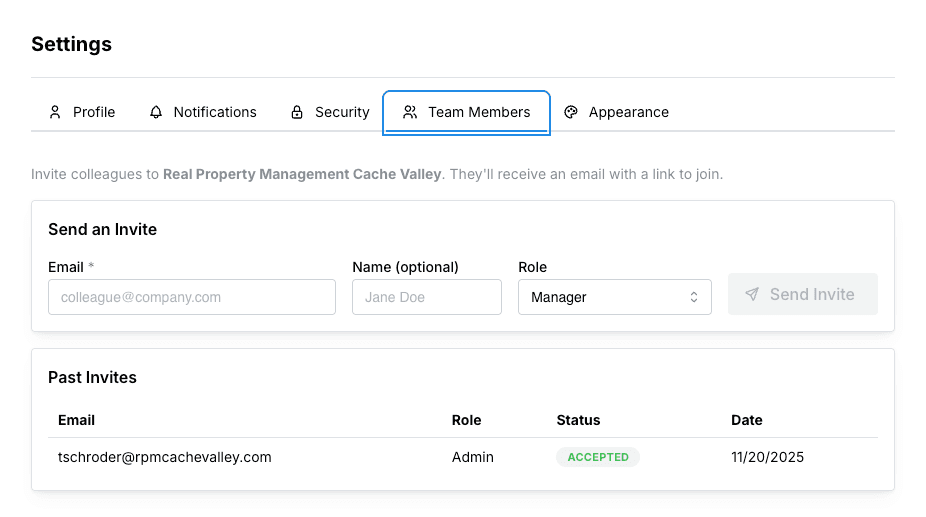
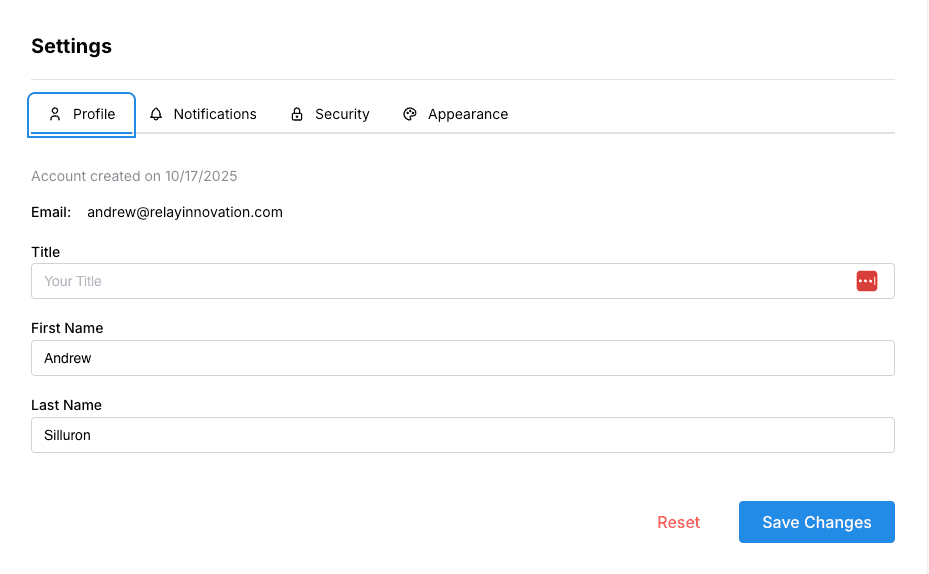
Click your name in the top-right corner and choose Settings to update your contact info, notification preferences, and security options.
Invite your team
Head to Settings → Team Members to add colleagues. Assign roles (Admin, Manager, or Viewer) to control access levels across the platform.
Each team member gets their own login — never share credentials.